Autism · Daily plan
Autism daily planner: make transitions and changes visible
This daily planner shows appointments, transitions, recovery, and prepared alternatives. One change does not have to make the whole day unreadable.


Autism daily planner: make transitions and changes visible
What this template addresses
Calendars often show only the appointment. Preparation, travel, sensory demand, and recovery remain invisible even though they require real capacity.
This template places fixed anchors first and gives demanding transitions their own time, support, or backup option. Flexible tasks stay in a separate lane.

Low-energy version
- 01Show only fixed demands and basic care
- 02Protect one safe recovery period
- 03Remove every flexible task from the day

Adapt the template
- Plan transitions as visibly as appointments.
- Describe changes clearly instead of using only a warning symbol.
- Leave empty time after sensory or socially demanding blocks.
- Use written, visual, or colour cues according to your preference.
More templates
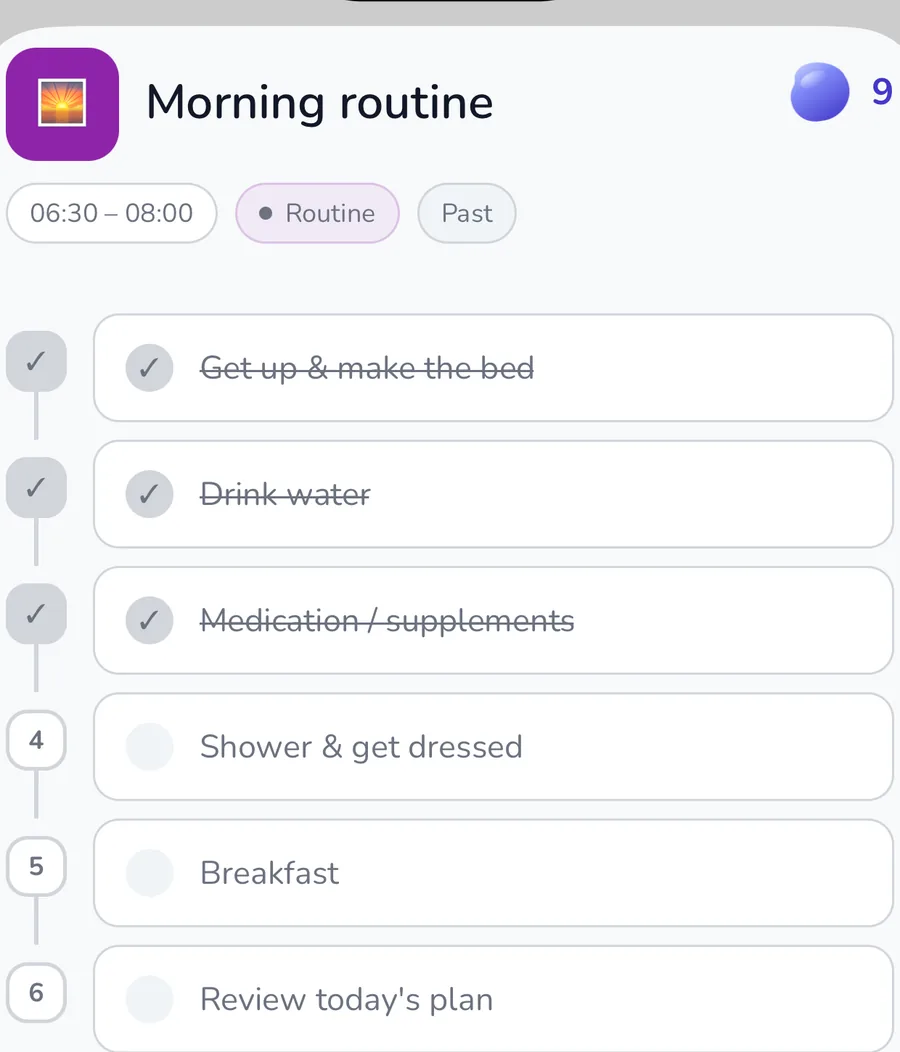
Autistic morning routine: start the day with more predictability
- Adjust light, curtains, and sound at a tolerable pace
- Drink, use the bathroom, and complete essential medication tasks
- Put on prepared clothes or choose a sensory-safe alternative
Autistic evening routine: reduce input and prepare the next transition
- Lower lighting, sound, and screen brightness
- Change into comfortable clothing and remove irritating sensory input
- Capture unfinished demands for tomorrow in writing
ADHD daily planner: make the day visible, not perfect
- Briefly check your energy and sensory load
- Add fixed appointments from your calendar
- Choose one essential task for today
AuDHD daily planner: combine fixed anchors with flexible capacity
- Check energy, sensory load, and current activation
- Add fixed appointments, travel, and transitions
- Protect food, water, medication, and breaks
Common questions
How is this autism daily planner different from a calendar?
It includes preparation, transitions, basic care, recovery, and alternatives alongside appointments. Every part can be adapted to your own way of processing the day.
What should I do when an appointment changes?
Check which transitions also changed, then use the prepared backup option. The rest of the day does not automatically need to be rebuilt.
Can I use the planner without a diagnosis?
Yes. This is not a diagnostic tool. You can use it whenever visible structure is useful to you.
Related features and articles

Autism · Daily plan
Connect this routine with appointments and tasks
Payment details required · cancel anytime