ADHD · Week
ADHD weekly planner: orientation without filling every box
This weekly plan does not try to distribute as many tasks as possible. It makes demand visible and protects days when fixed appointments are already enough.


ADHD weekly planner: orientation without filling every box
What this template addresses
A week can look empty when only tasks are visible, but appointments, travel, recovery, and transitions also use capacity.
This template plans fixed demands and basic care first. Optional tasks are added only after those needs are visible.

Low-energy version
- 01Add fixed appointments and essential care
- 02Protect one low-demand period
- 03Collect all optional tasks on a single waiting list

Adapt the template
- Consider expected energy, not only free time.
- Add buffers after socially or sensory demanding appointments.
- Spread household tasks instead of saving them for an ideal cleaning day.
- Begin each week without guilt about tasks left from the previous one.
More templates
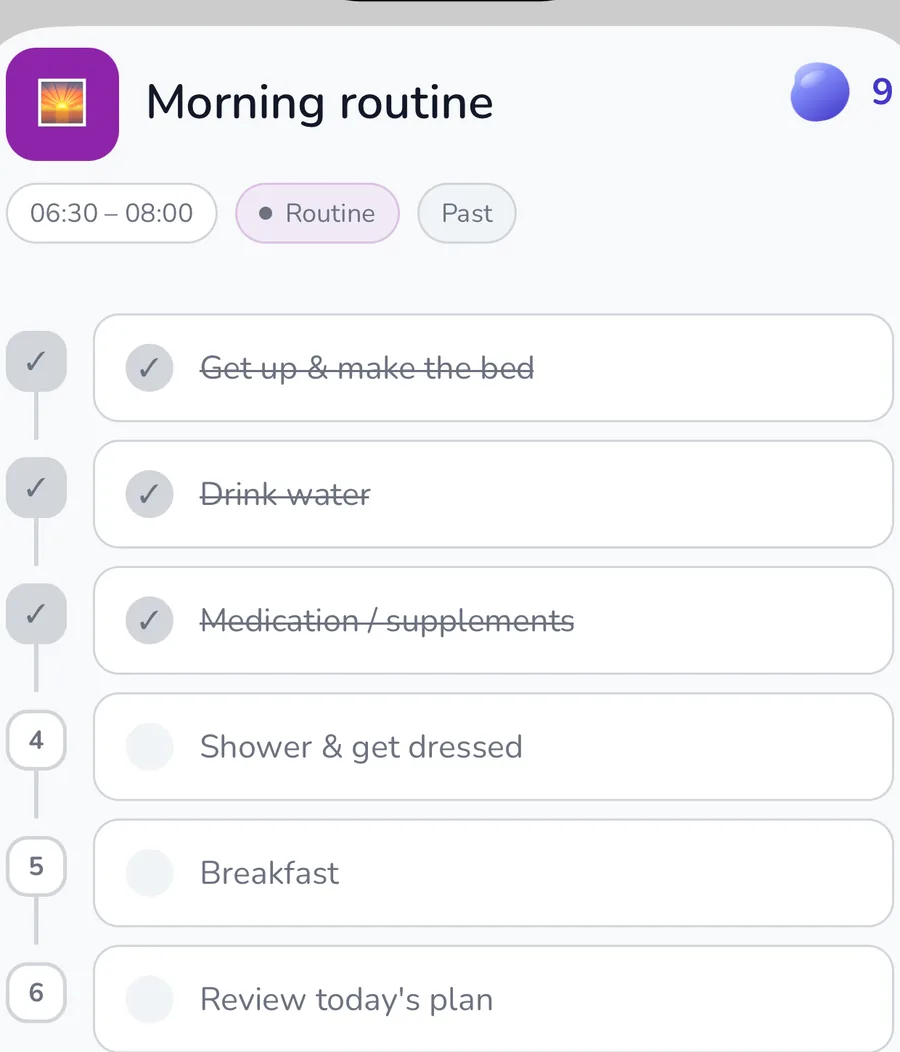
ADHD morning routine: a template that can start small
- Sit up, put both feet on the floor, and drink something
- Use the bathroom and brush your teeth
- Take medication or complete other essential health tasks
ADHD evening routine: help the day become quieter
- Reduce the light level and background noise
- Write down open thoughts or tasks for tomorrow
- Refill your water bottle and prepare essential medication
Autism weekly planner: predictability with room for change
- Add fixed appointments, familiar routines, and travel
- Mark socially and sensorily demanding days
- Protect recovery after high-demand events
AuDHD weekly planner: stable anchors and flexible tasks
- Collect fixed appointments, travel, and recurring anchors
- Mark days with high social or sensory demand
- Protect basic care and recovery around those demands
Common questions
Should I completely plan every day of the week?
No. Add fixed and essential commitments first. Free time can remain free and does not need to be filled with tasks in advance.
How can I plan with fluctuating energy?
Label tasks by the capacity they require and keep a minimum version available. Decide on the day which option is realistic.
What happens to unfinished tasks?
Reassess them at the start of the next week. Carry over only what remains relevant; the rest can be removed.
Related features and articles

See appointments and routines together
Connect Google Calendar, tasks, and routines in one weekly view.
ViewTime blindness and appointments
Why appointments can disappear from your inner view even when they are in a calendar.
ViewNotice overload earlier
Warning signs that should remain visible when planning a week.
ViewADHD · Week
Connect this routine with appointments and tasks
Payment details required · cancel anytime